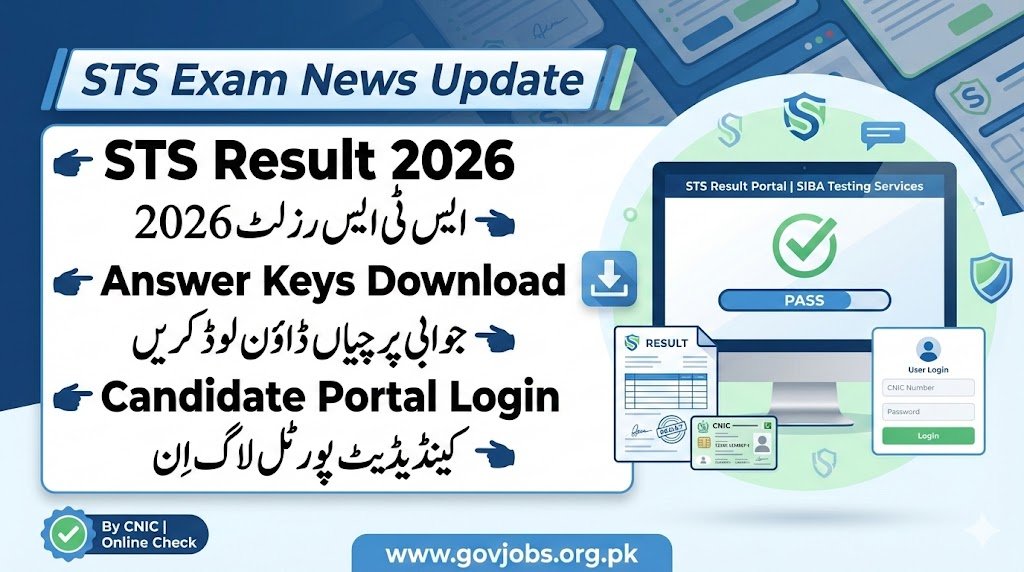
The STS Result 2026 and official Answer Keys have been released by SIBA Testing Services (STS). Candidates who appeared in STS recruitment, admission, or screening tests can now check their results, answer keys, and merit status through the STS Candidate Portal Login.
This guide covers how to check STS results, download answer keys, calculate marks, and resolve login issues.
What is STS (SIBA Testing Services)?
SIBA Testing Services (STS) is a leading testing organization in Pakistan that conducts recruitment, entry tests, and screening exams for:
- Government departments
- Universities & colleges
- Education departments
- Health & police departments
- Public sector organizations
STS ensures transparent and merit-based testing across Sindh and other provinces.
STS Result 2026 – Latest Updates
Candidates can now check their STS Result 2026 online for different posts and categories. Results are published project-wise on the STS Candidate Portal.
Included in STS Result 2026:
- Written test result
- Marks obtained
- Pass/Fail status
- Merit list (if applicable)
- Shortlisting status
STS Answer Keys 2026 (Official)
STS releases Answer Keys 2026 before the final result to help candidates:
- Verify their answers
- Calculate expected marks
- Raise objections (if allowed)
- Estimate merit position
Types of Answer Keys:
- Blue Booklet
- Green Booklet
- Pink Booklet
- White Booklet
How to Check STS Result 2026 (Step-by-Step)
Follow these steps to check your STS result:
- Visit the STS Candidate Portal
- Click on Candidate Login
- Enter your CNIC / Email
- Enter your Password
- Go to My Applications / Results
- Click on your relevant project
View or download your STS Result 2026
How to Download STS Answer Keys 2026
To download official answer keys:
- Login to STS Candidate Portal
- Open your test project
- Click on Answer Keys
- Select your booklet color
- Download the PDF file
- Match your answers and calculate marks
STS Candidate Portal Login – Common Issues & Solutions
Forgot Password?
- Click on Forgot Password
- Enter registered email/CNIC
- Reset password via email
CNIC Not Found?
- Make sure you registered for that project
- Check correct CNIC format
Result Not Showing?
- Results are uploaded project-wise
- Check after official notification
How to Calculate STS Marks Using Answer Keys
You can estimate your score:
- Correct Answer = +1 mark
- Wrong Answer = 0 or negative (as per test rules)
- Unattempted = 0
Compare your OMR responses with answer key and total your correct answers.
STS Merit List 2026
After results, STS and departments may publish:
- Provisional merit list
- Final merit list
- Interview call list
- Document verification schedule
Merit lists are also available via the Candidate Portal.
FAQs – STS Result & Answer Keys 2026
Q1: How can I check my STS Result 2026?
You can check your result by logging into the STS Candidate Portal using CNIC and password.
Q2: When will STS upload final results?
Final results are uploaded after answer key objections and verification.
Q3: Can I object to STS answer keys?
Yes, if STS allows, you can submit objections within the given time.
Q4: What if I forget my STS portal password?
Use the “Forgot Password” option to reset via email.
Q5: Is STS result available by CNIC?
Yes, you can access your result using your CNIC on the candidate portal.