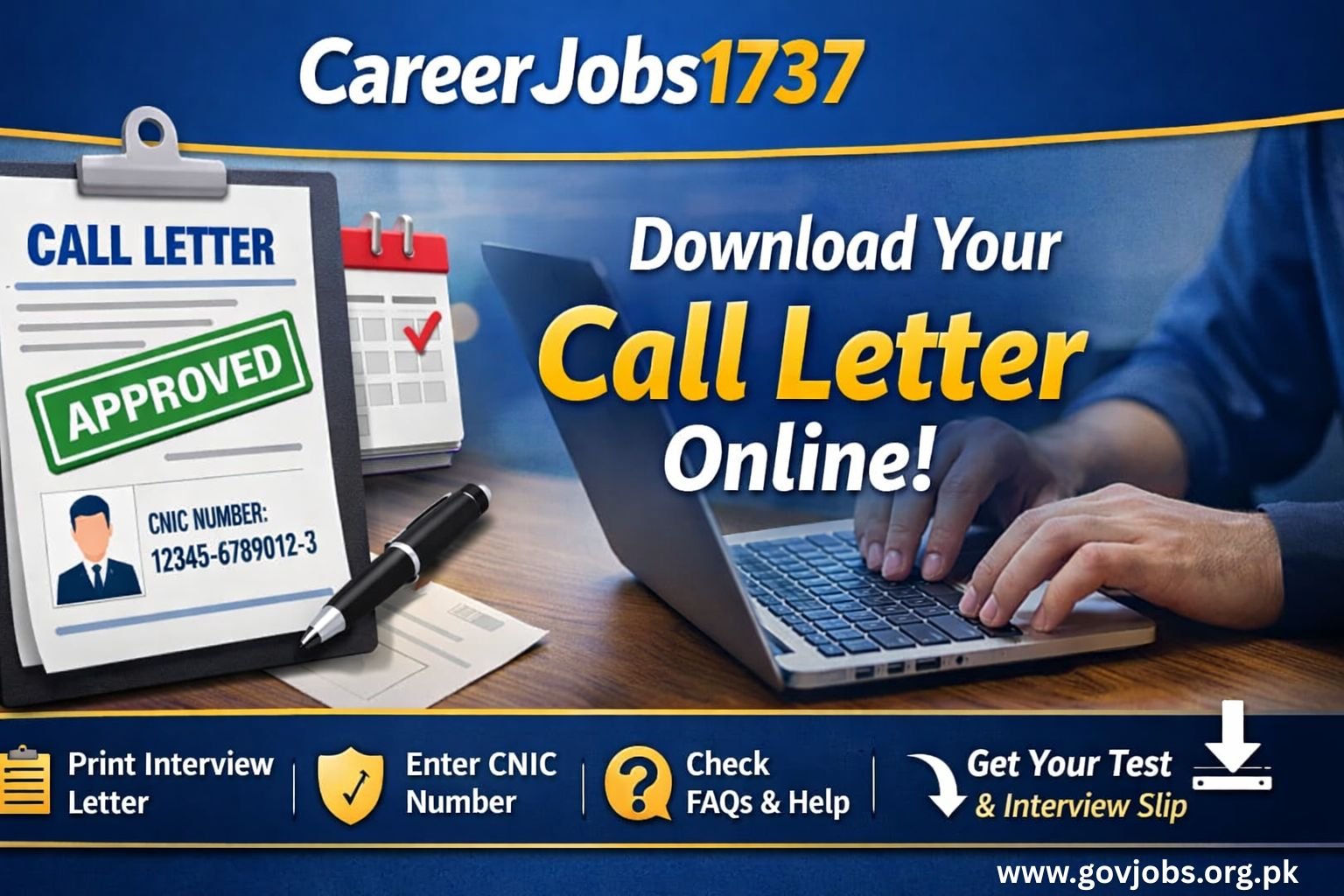
Candidates who have applied for government jobs through CareerJobs1737 can now download and print their call letter online using their CNIC. Shortlisted applicants are informed to appear in the written test or interview at the specified venue, date, and time mentioned on the call letter.
Print Interview & Test Call Letter Online
This guide explains how to download the CareerJobs1737 call letter, account-related issues, and answers to common FAQs.
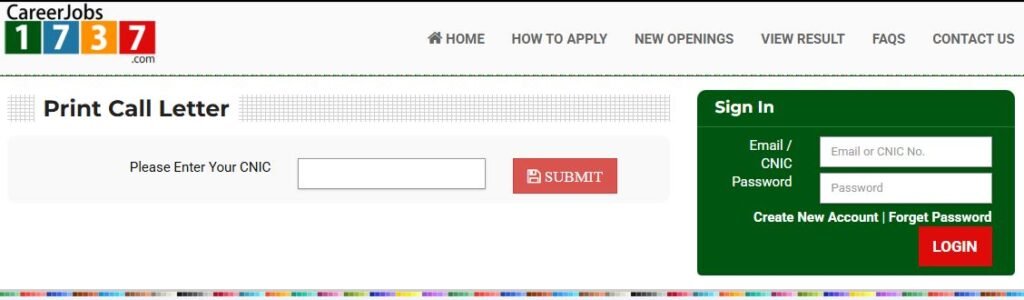
How to Download CareerJobs1737 Call Letter
Follow these simple steps to print your call letter:
- Visit the official CareerJobs1737 portal
- Click on “Print Call Letter”
- Enter your CNIC number (without dashes)
- Submit the details
- Download and print your call letter
Only shortlisted candidates can download the call letter. Your exact test date, time, and venue are mentioned on your CareerJobs1737 call letter.
Only shortlisted candidates can see it after downloading the call letter using their CNIC.
Important Instructions for Candidates
- Bring a printed call letter to the test/interview
- Carry your original CNIC
- Reach the venue at least 30 minutes early
- Follow all instructions mentioned on the call letter
CareerJobs1737 FAQs – Complete Guide
1. What are the steps to apply on CareerJobs1737?
Create an account, complete your profile, upload qualifications and experience, then apply for the desired job before the deadline.
2. How can I contact CareerJobs1737?
You can contact CareerJobs1737 through the official contact page, helpdesk email, or phone number provided on their website.
3. How can I find new upcoming jobs?
Regularly visit the CareerJobs1737 website or follow trusted job alert websites to stay updated on new job advertisements.
4. How can I submit a query or feedback?
Login to your account and use the Help / Contact Us section to submit your query or feedback.
5. Where is the link to create a new account?
The “Create Account / Sign Up” option is available on the homepage of CareerJobs1737.
6. Where can I get and print my call letter?
Go to Print Call Letter, enter your CNIC, and download the call letter if you are shortlisted.
7. How can I recover my password, email, or username?
Click on “Forgot Password” and follow the instructions to recover your account details via email or SMS.
8. How can I change my CNIC or email address?
Login to your account, go to Profile Settings, and update your editable personal information.
9. Where can I add my qualification details?
Navigate to Profile → Education Section and add complete qualification details.
10. Where can I add my experience?
Go to Profile → Experience Section and enter your job experience with correct dates.
11. Where can I add courses or certificates?
Open Profile → Certifications / Courses and upload relevant certificates.
12. How can I reset my password?
Use the Reset Password option on the login page and verify through email or SMS.
13. How can I confirm my application is submitted successfully?
After submission, a confirmation message appears, and the job status changes to “Applied” in your dashboard.
14. Why is the CareerJobs1737 website slow?
The website may be slow due to:
- Heavy traffic during deadlines
- Call letter download rush
- Server maintenance
Try accessing the site during late-night or early morning hours.
Final Words
The CareerJobs1737 call letter is a mandatory document for appearing in tests and interviews. Make sure your profile is complete and your CNIC details are correct to avoid issues while downloading the call letter.
For regular updates on CareerJobs1737 jobs, call letters, and results, keep visiting trusted job alert platforms.